
Our mission and what we do
The energy transition requires that we all work towards the goal of carbon neutrality. Shaping together a bright energy future. As a purpose-driven company, we fully support the climate goals of the Paris Agreement and the European Clean Industrial Deal, and we are committed to enabling a 100% carbon-neutral energy system by 2050. Human ingenuity, entrepreneurship and teamwork will get us there. These qualities underpin our success today and give us confidence in the future.
As a key infrastructure partner, we want to contribute to an efficient, reliable and realistic energy system, with green and low-carbon molecules and with CO₂ capture as a supporting and additional solution. An energy system open to the necessary import and export flows of those molecules to and from the regions where we operate.
All for an energy system that ensures carbon neutrality, security of supply and affordability.
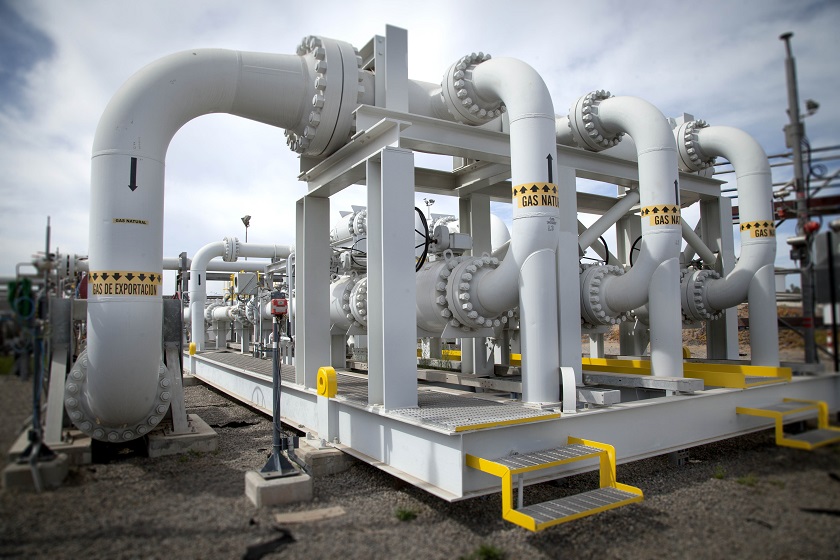
Thanks to our infrastructure, we are building a bridge to the future. Today, we transmit natural gas which, as a low-emission fossil energy source, offers security of supply in the transition to a carbon-neutral society.
Where the market is ready to make the green transition, Fluxys is also ready. Ready for the transition to a hybrid energy future in which carbon-neutral molecules, renewable electricity and the capture and reuse or storage of CO₂ complement each other optimally.
This energy transition will unfold at different paces in each country and region. At Fluxys, we rely on our vision and strategy to shape a bright energy future.
Our strategy for a bright energy future

Secure
Contribute to a sustainable and secure energy supply

Expand
Develop, scale-up and operate multi-molecule infrastructure

Connect
Create low-carbon energy value chains through partnerships
International infrastructure group
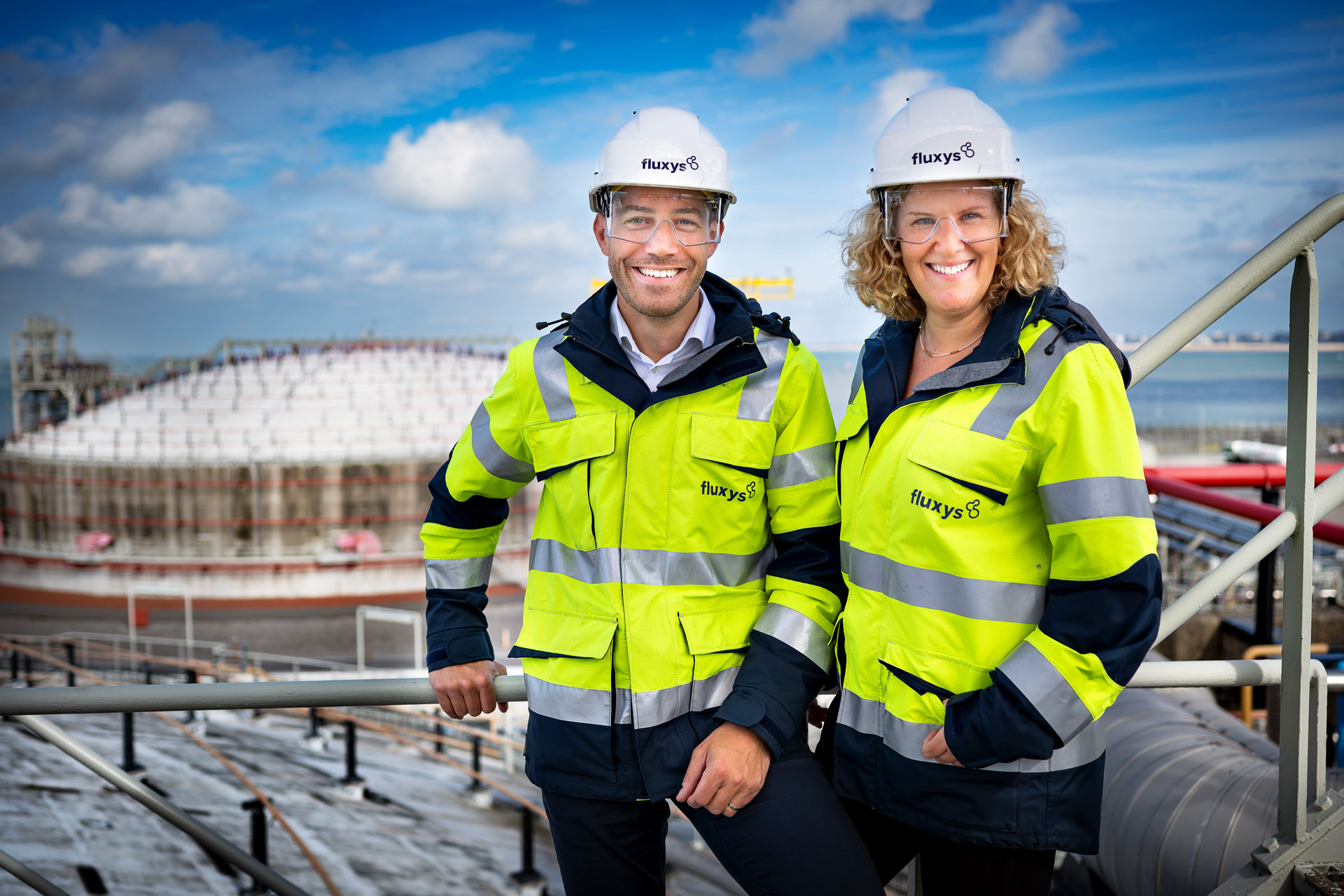
We are a fully independent infrastructure group headquartered in Belgium with almost 1,500 employees. With our infrastructure we put energy in motion. In Europe, the Middle East and South America. We transport natural gas and we are ready to transport hydrogen, biomethane and any other low-carbon energy carriers, as well as CO2, all in an ongoing effort to support carbon capture, reuse and storage.



Jobs
- Questions for Fluxys?